Finding Files in the Blob Container
TLDR - Quick Summary
What: How to locate SFTP-uploaded files in Azure Blob storage
Path: Azure Portal > Resource groups > Your resource group > Storage account > Containers
Note: Files are organized in folders by username within your container
Overview
This article goes over how to find your files that are located in the blob storage container.
Step 1
When you are in the Azure portal main menu, under Azure services, go to Resource groups.

Step 2
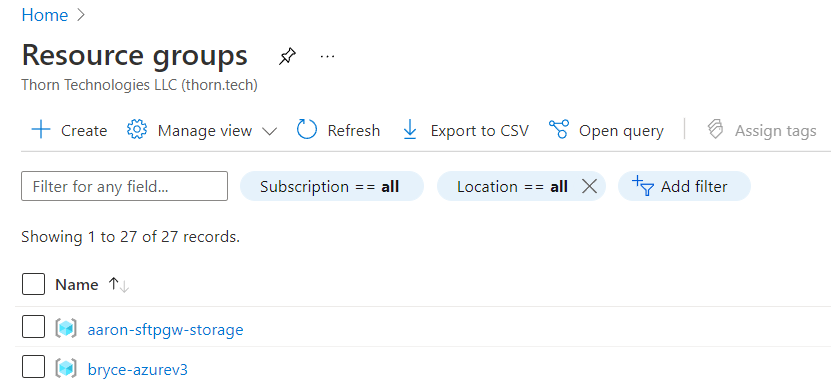
Once you have entered into resource groups, find the name of the resource group your VM is under, in my case the resource name is bryce-azurev3.
Step 3
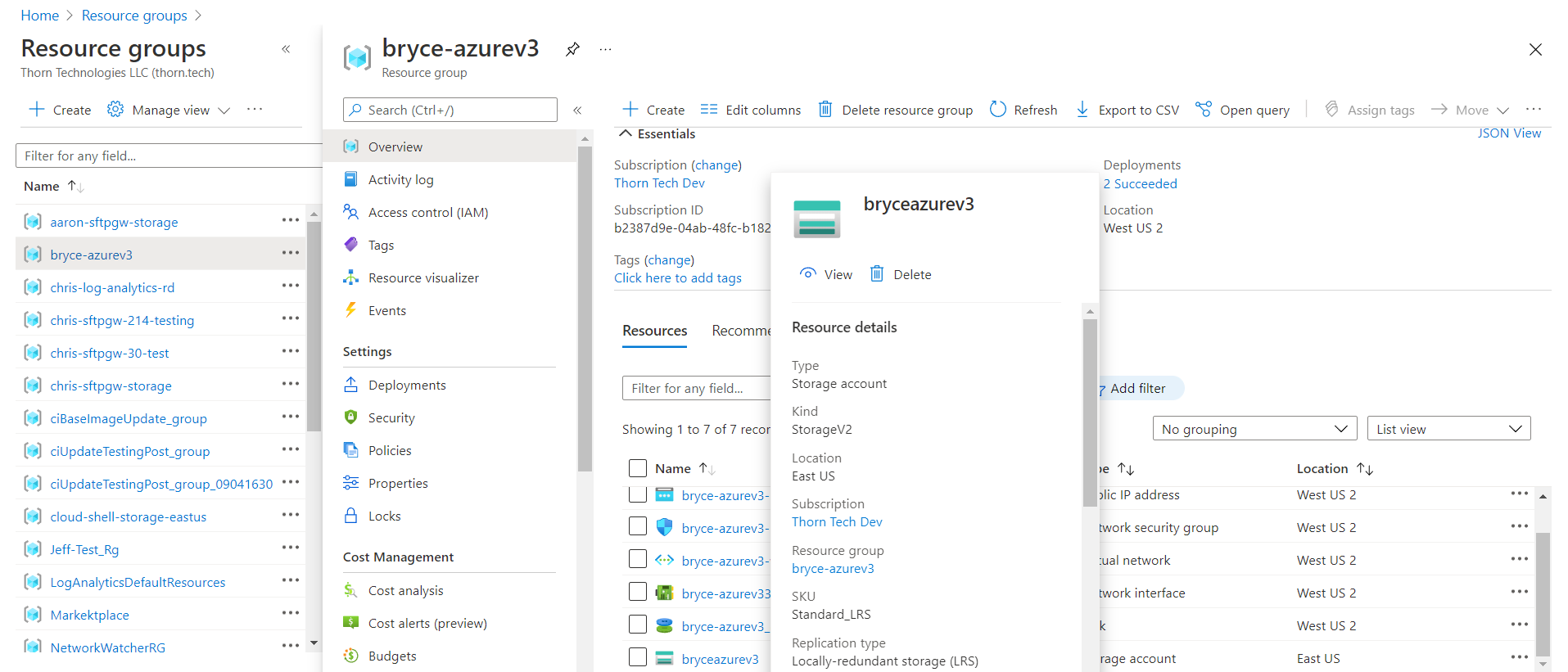
When you click on your resource group it will bring you to this page, where you will see the resources for that group. You want to click on your storage container that you had previously made to be paired with your VM, in my case it being named bryceazurev3.
Step 4
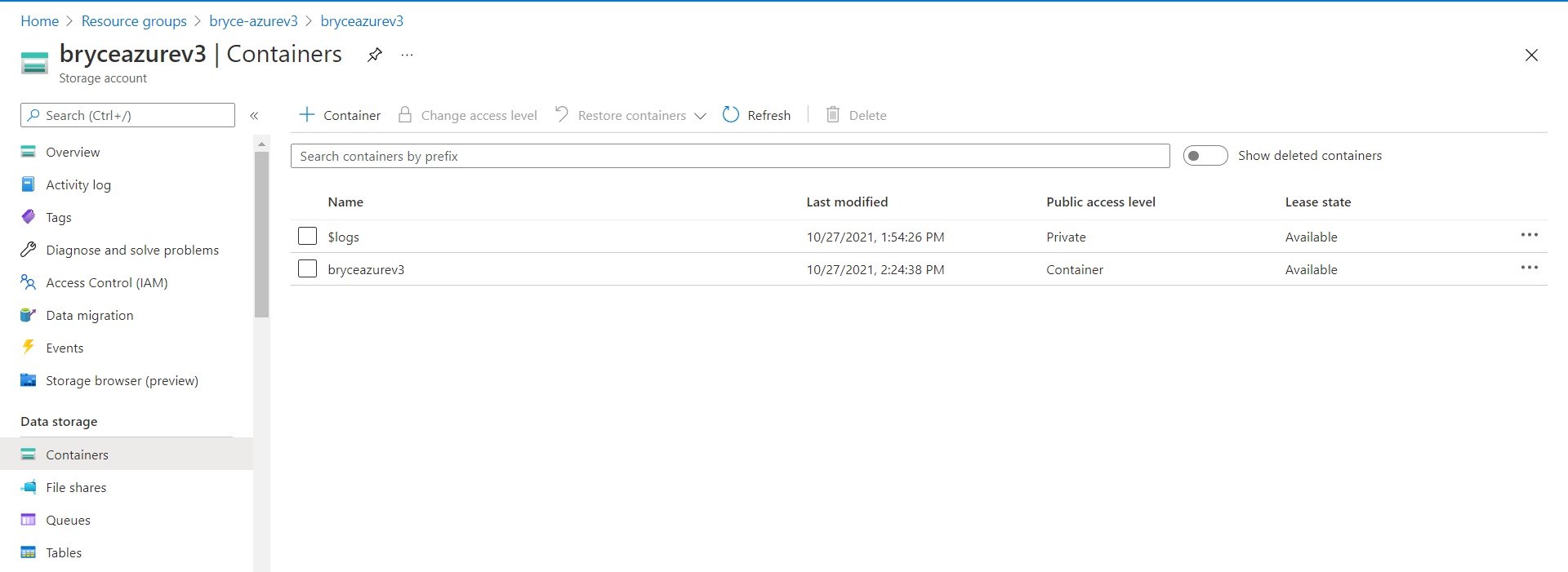
Once you have entered into your storage account, navigate to Containers, located under data storage, there you will see your containers.
Step 5
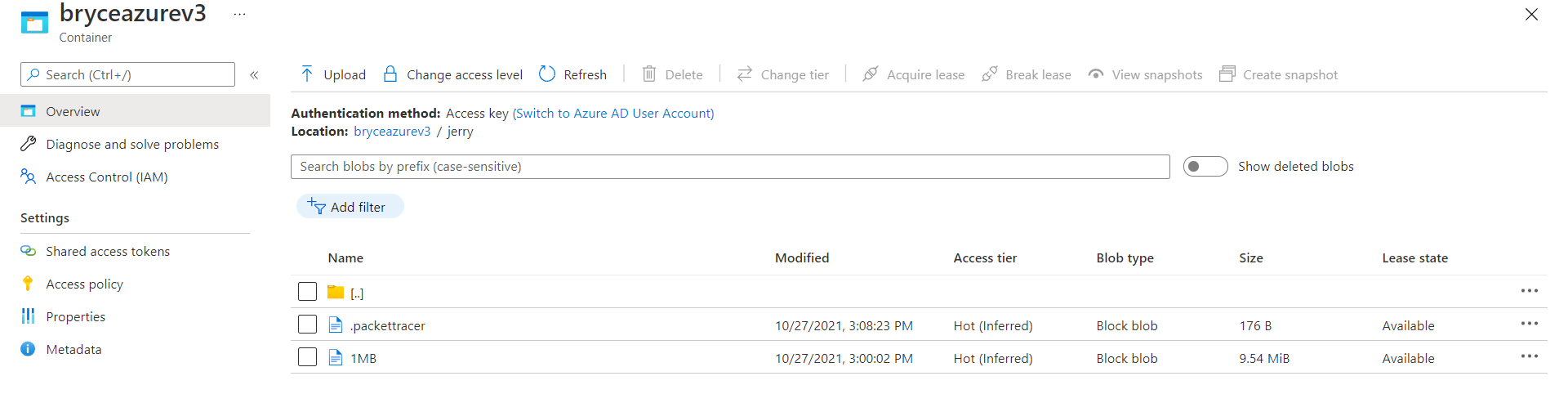
Click on the container that you have your files inside of, and you will see your folders and when you click on a folder, my case the folder “jerry” it will bring you to the files you have stored within that folder.