Checking your SFTP Gateway version
TLDR - Quick Summary
What: Find your SFTP Gateway version number
Method 1: Web UI footer shows version at bottom of screen
Method 2: SSH into VM - version shown in banner message
Alt: List files in
/opt/sftpgw/- version in JAR filename
Overview
To check what version of SFTP Gateway you're on, there are two methods you can use.
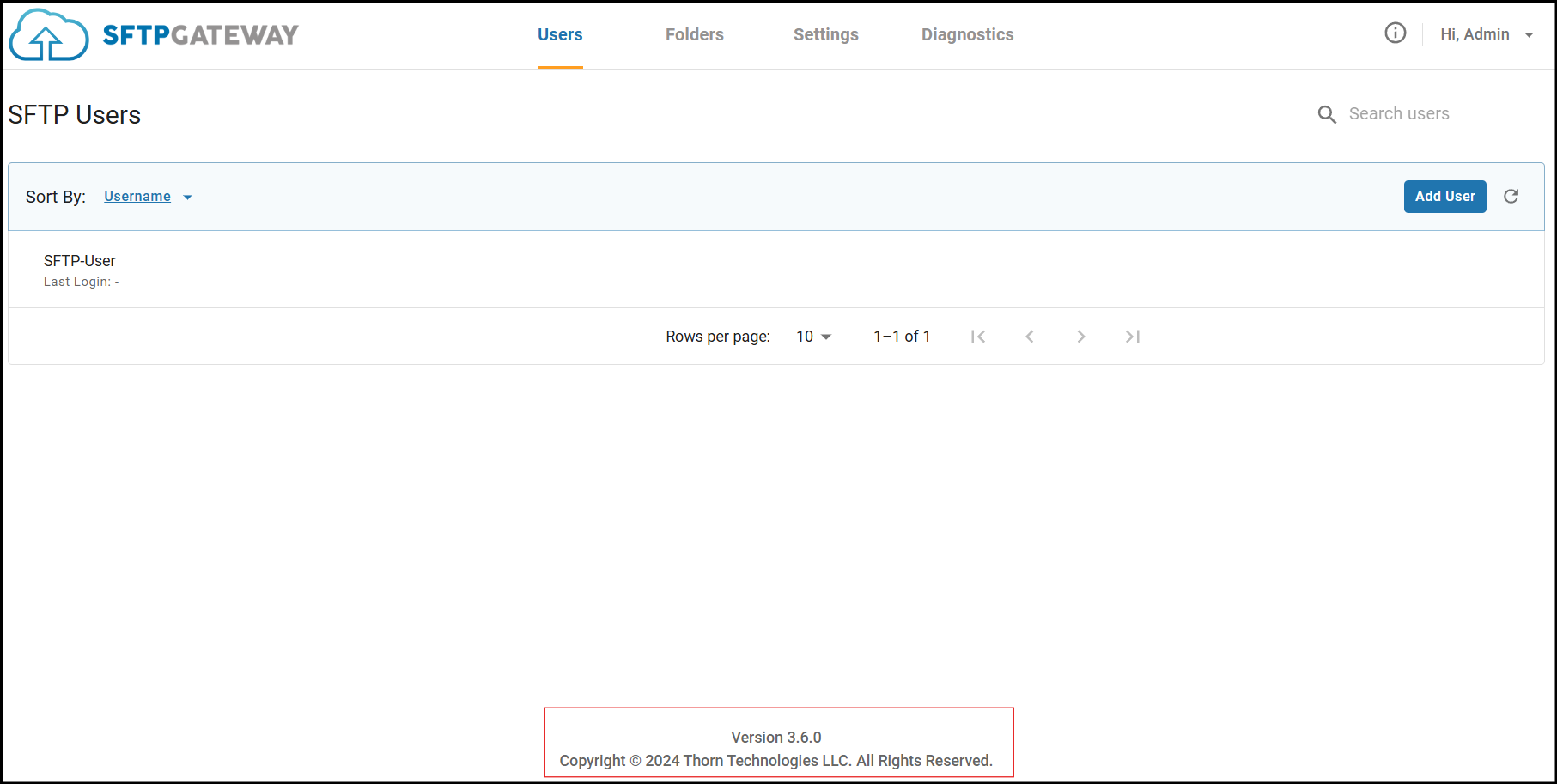
The first option, is to check the version number in the UI, which is located at the bottom of the screen.
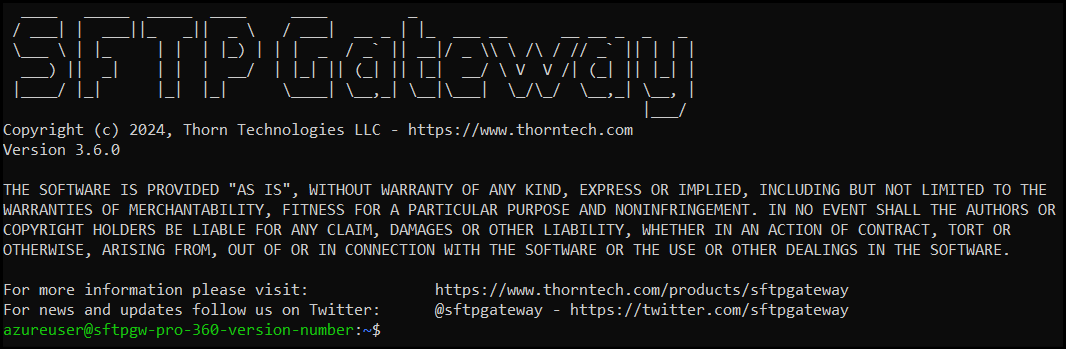
Otherwise, if you SSH into the instance, the version number will be on the banner message.
Check your version - SFTP Gateway Version 3.x
If you navigate to the UI, the verison number will be located here:
If you SSH into the instance, you'll see the version on the banner message: